
The old way
WITHOUT COSTUMER- ✕Endless email threads
- ✕Scattered PDFs & DMs
- ✕Quotes built in spreadsheets
- ✕Messy fabric inventory
- ✕Chasing approvals
- ✕Lost measurements & notes
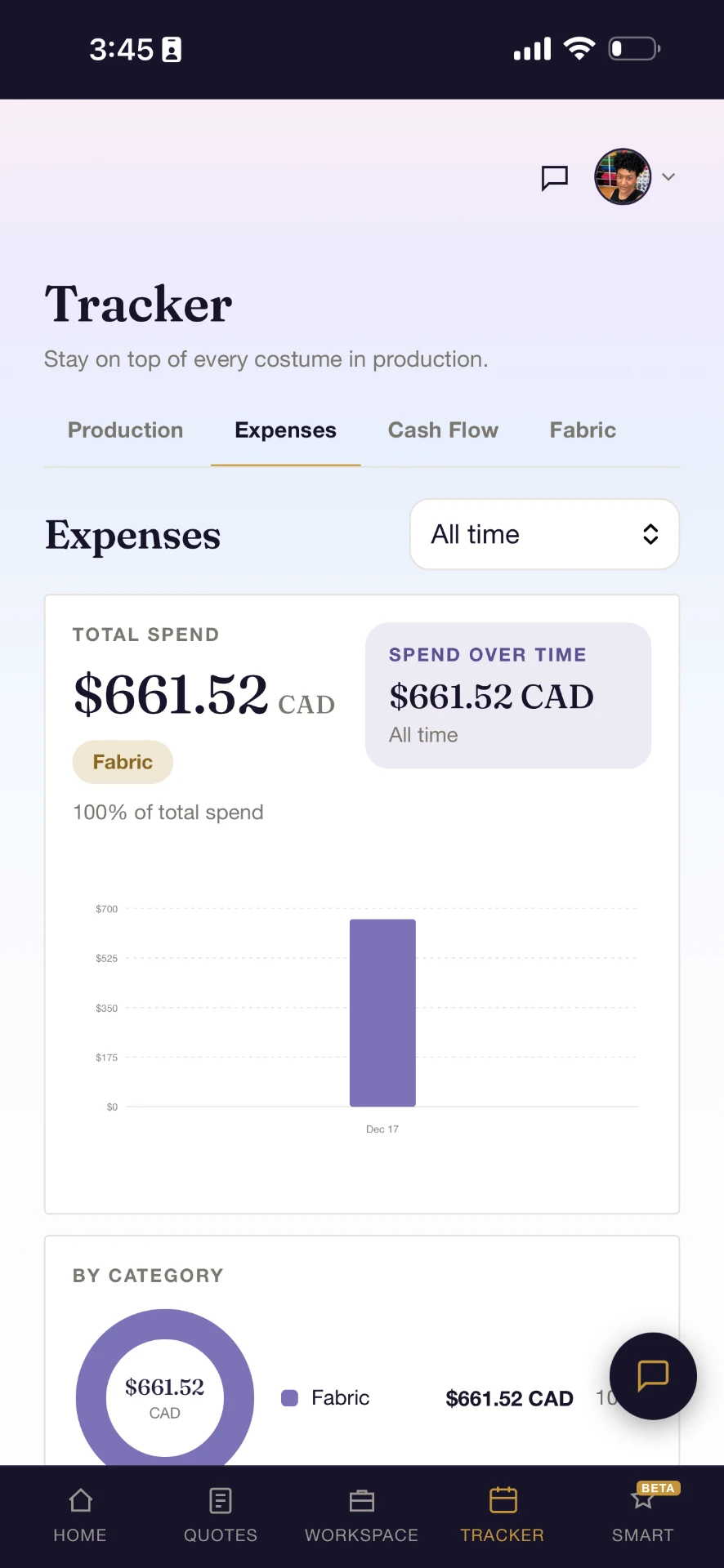
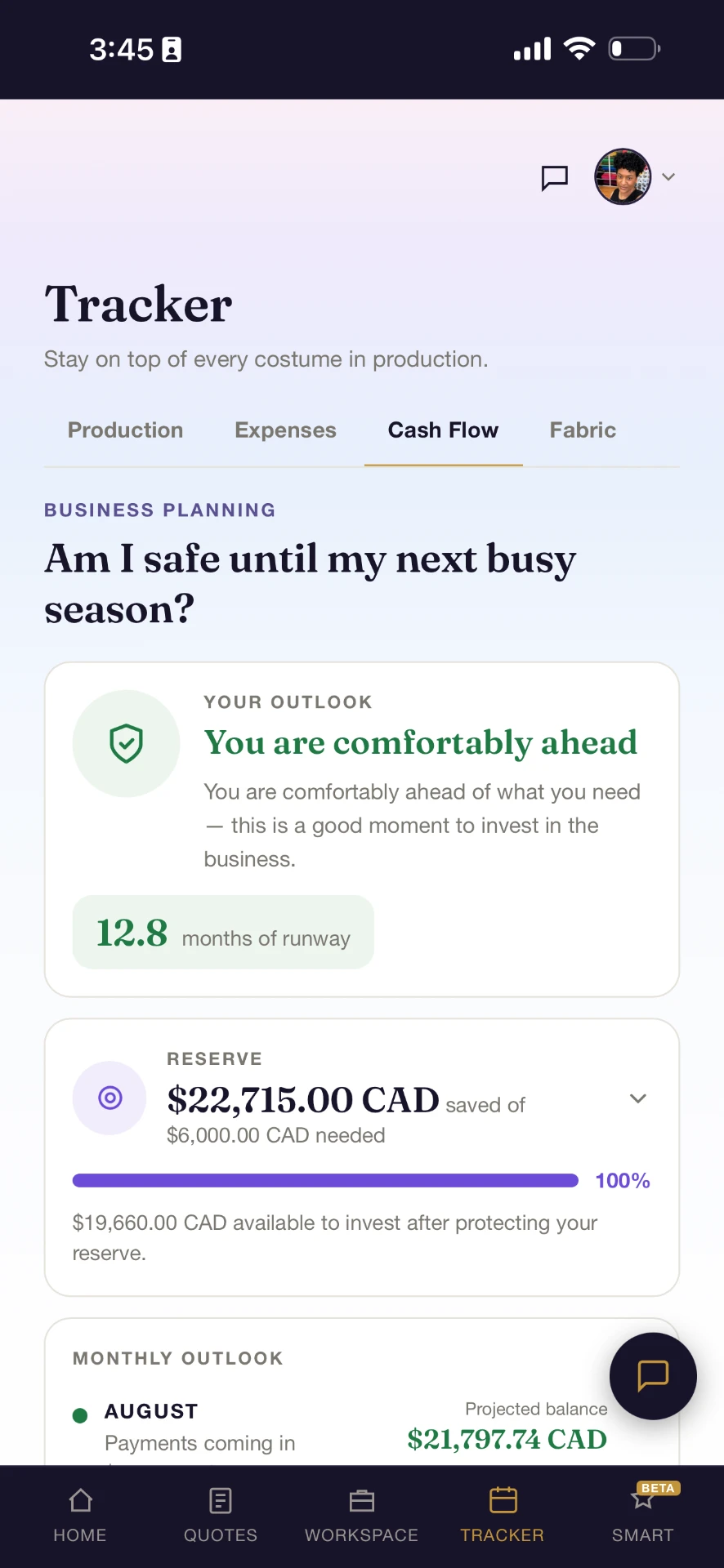
Price costumes, create quotes, collaborate with clients, track production, manage supplies, and keep every project organized in one place.
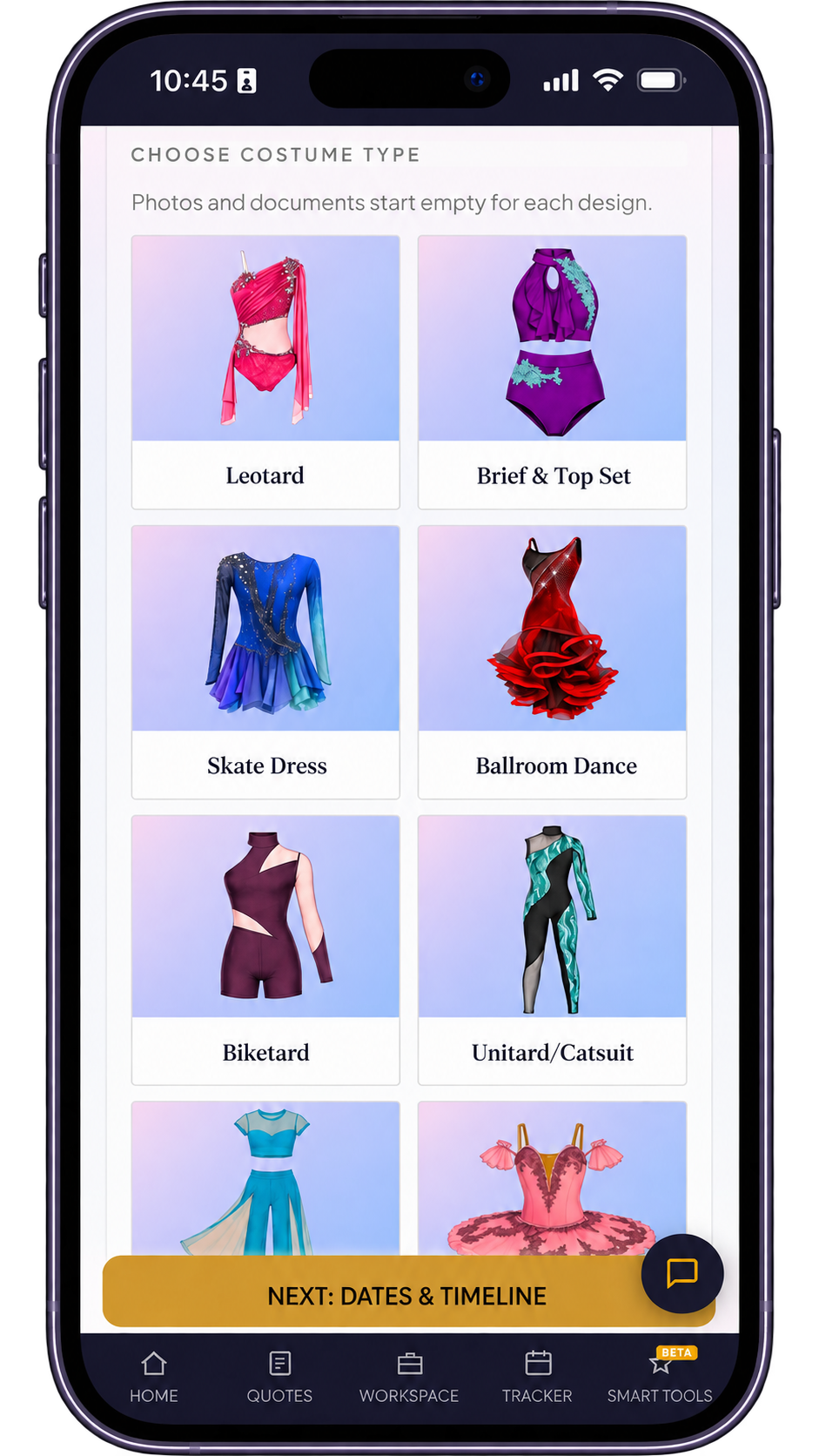
Quotes, clients, files, payments, production and supplies stay connected from first inquiry to final delivery.
+ more
No more juggling emails, DMs, texts, calls, google docs, payment platforms and paperwork. Every part of a project — quotes, files, messages, approvals, production, payments — lives in the same place.
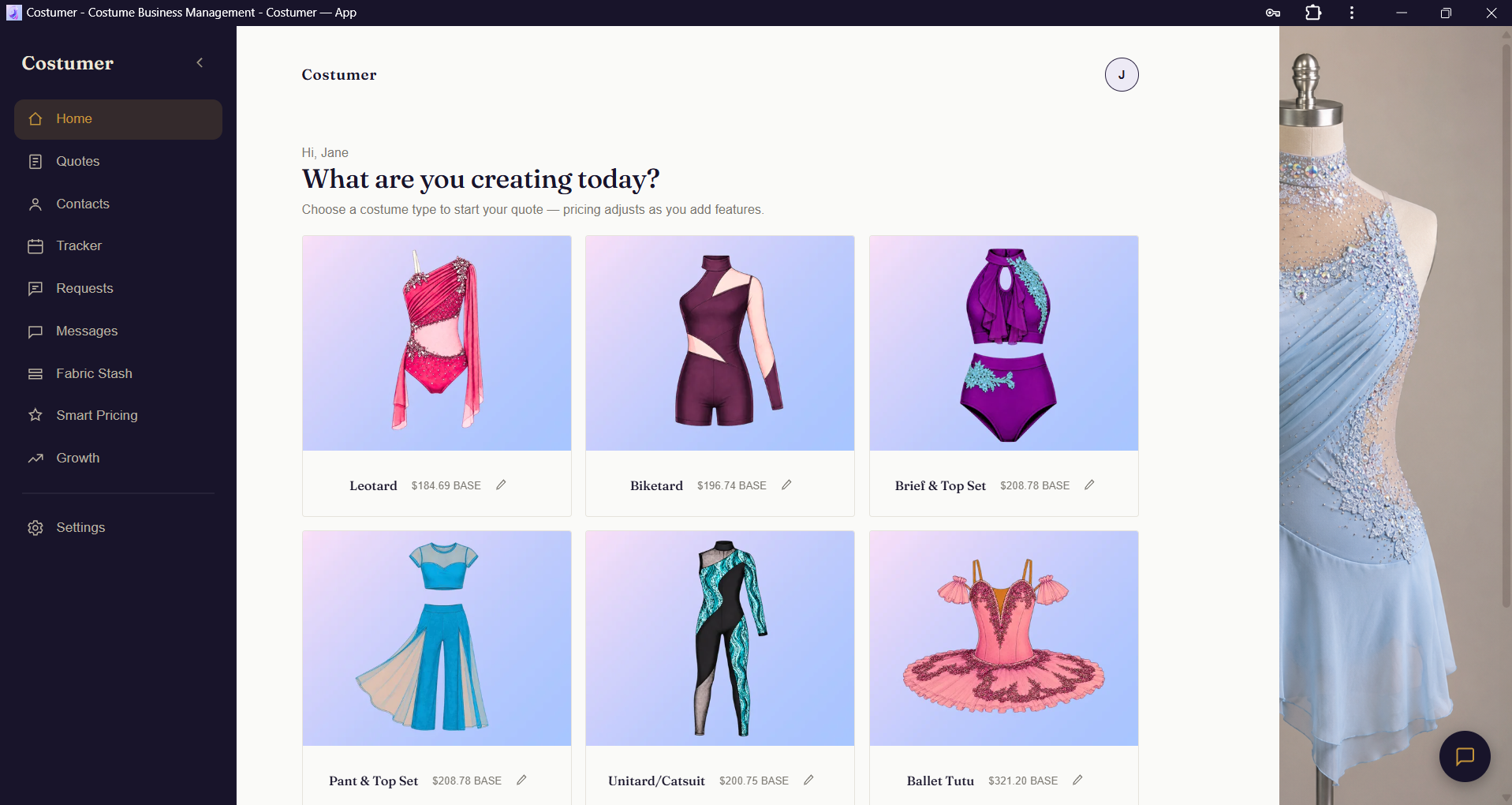
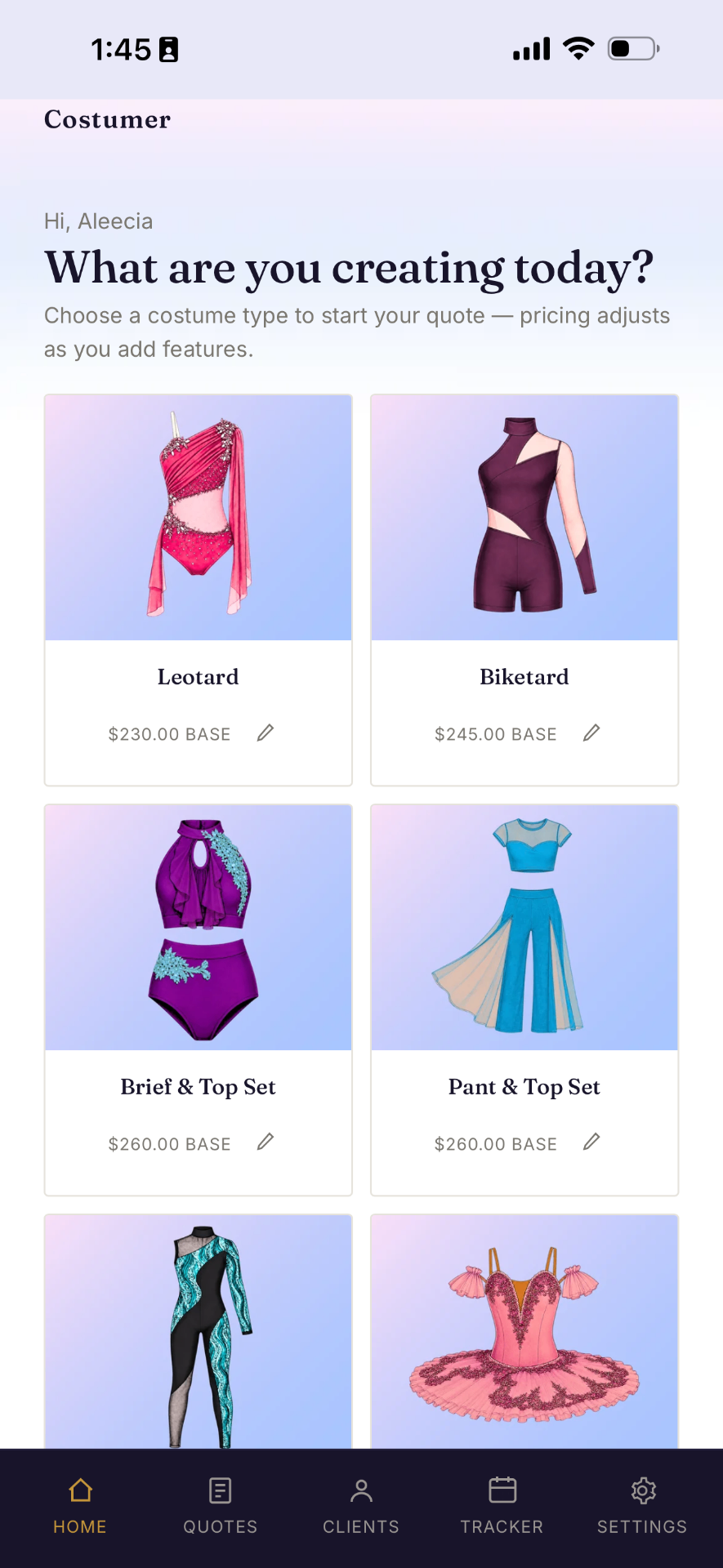
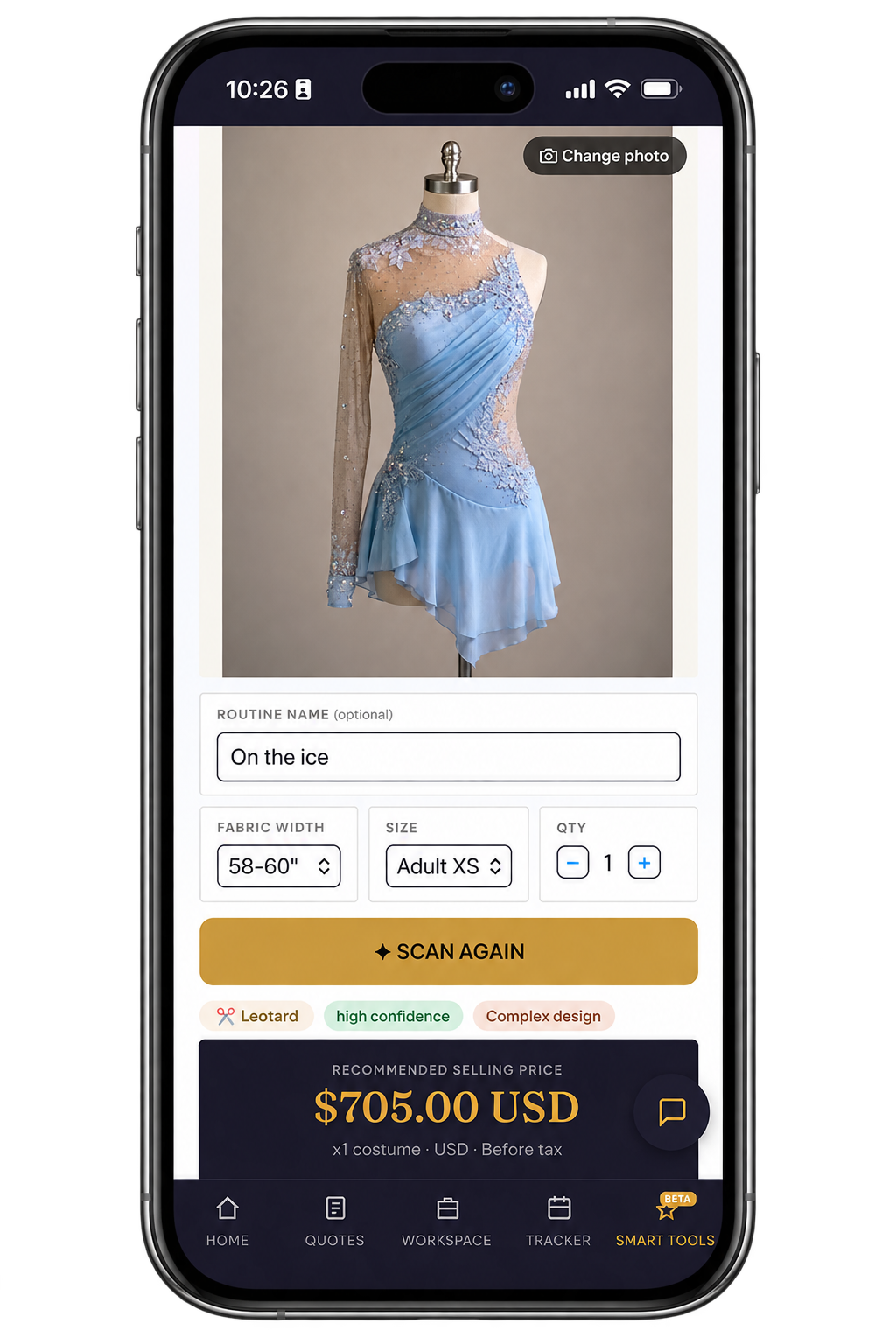
Upload a costume photo and get a personalized price recommendation based on the design, embellishments, complexity, and your own pricing settings. Review it, adjust it, then turn it into a quote or estimate.
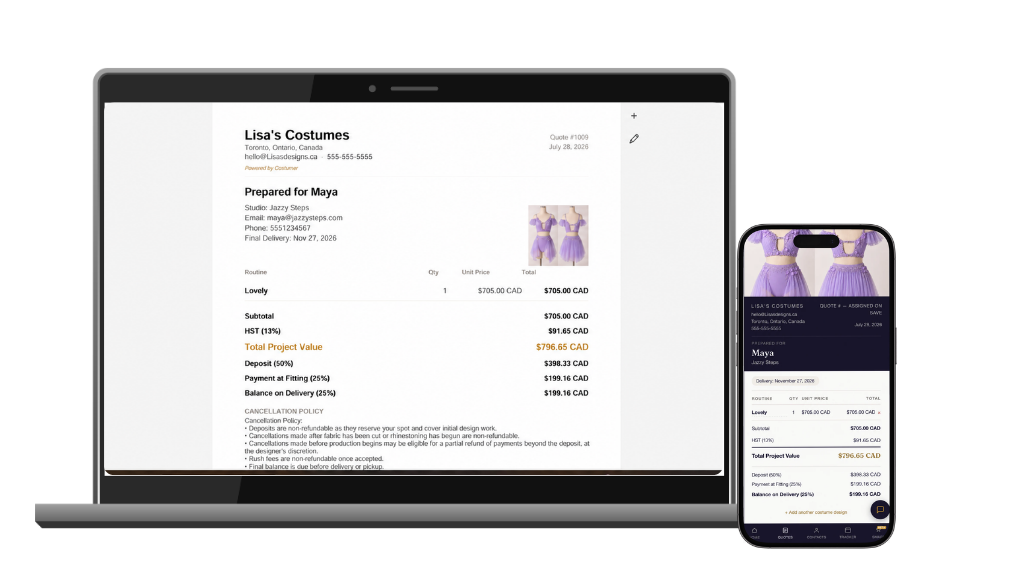
Create fixed-price quotes or hourly pricing estimates, collect deposits, and let clients review and approve online.
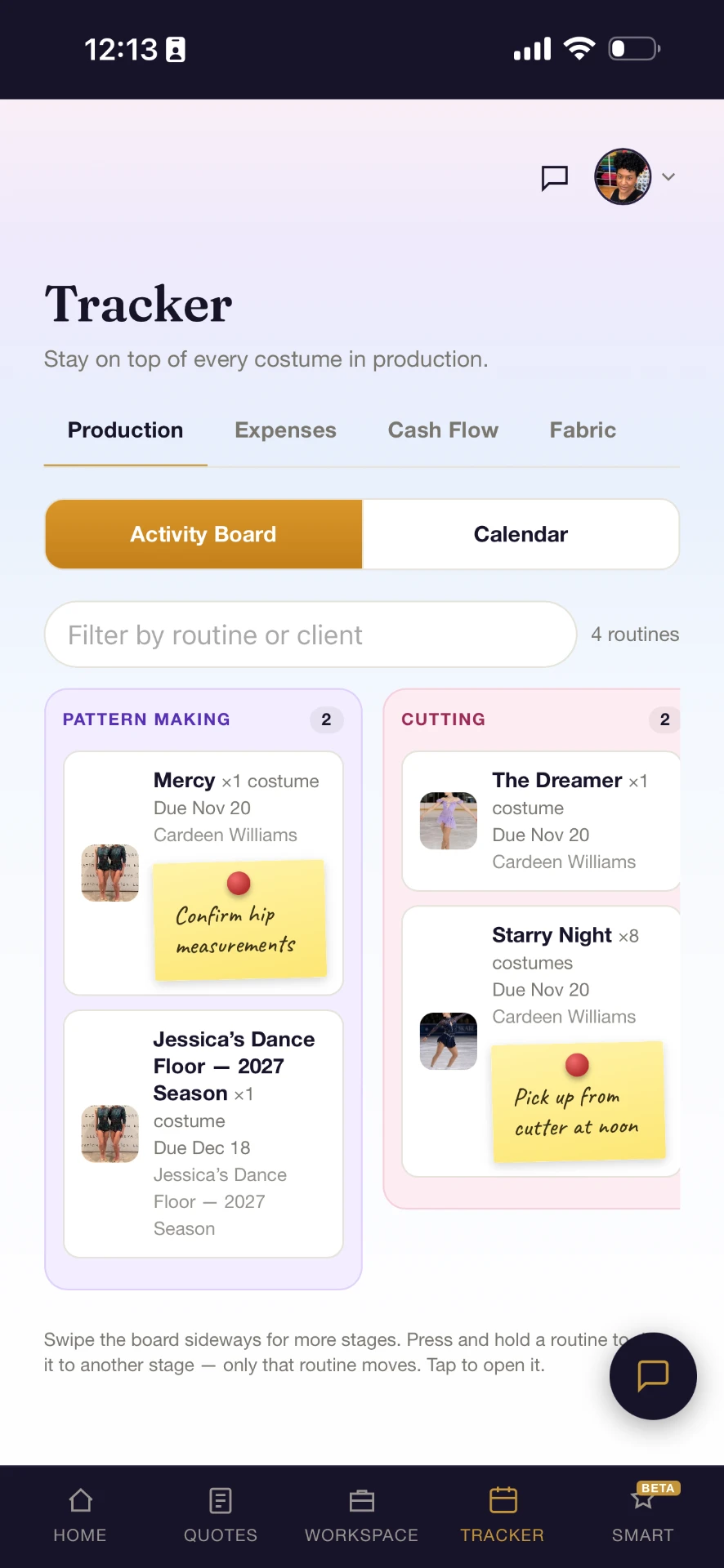
Track each routine through pattern making, cutting, sewing, fitting, and completion — with deadlines and notes attached to the work.
Messages, files, measurements, fittings, approvals, and project updates stay connected to the same project.
Collect deposits and final balances through Costumer while payment status stays connected to the project.
Payment fees: Standard Stripe processing fees apply. Costumer does not charge a transaction fee.
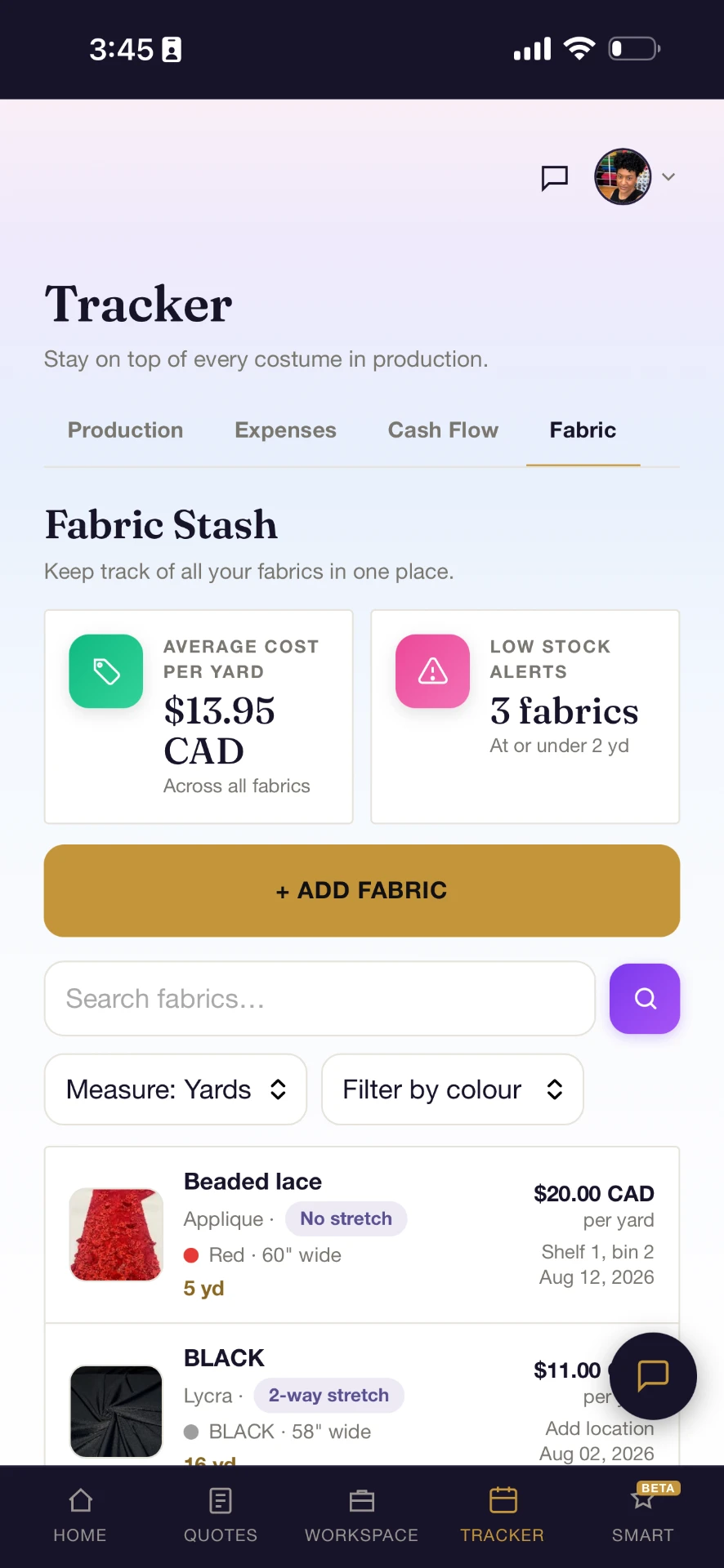
Costumer watches your fabric and embellishment inventory, flags low stock, and adds what needs replenishing to your shopping list.
Create a costume designer profile and help studios, clubs, schools, and families discover your work.
Your designer directory listing stays free.
See how designers ditch scattered tools for one calm, shared workspace.
Built with feedback from working costume designers.
I LOVED playing with the Smart Pricing. It worked well for both images of costumes I've made and sketches of upcoming costumes.
Initially this was for creating quotes but I am the absolute worst with admin work like receipts, cashflow and inventory so I'm so happy I can literally just snap photos and click a few buttons to keep everything organized...game changer!
Your full access is included through November 30. After that, choose the plan that fits your business. Your designer directory listing stays free.
Early Access members can lock in launch pricing before it increases October 1.
Increases to $29/month on October 1
Perfect for solo designers and their first shared workspace.
Increases to $39/month on October 1
For growing designers with multiple clients
Everything in Starter, plus:
Increases to $59/month on October 1
For designers working handling many clients or large teams
Everything in Pro, plus:
Full access through November 30 when you join in September · Workspace members join free · Cancel anytime.
Designers who join Costumer during September receive full access to Costumer's business tools through November 30 at no cost. No credit card is required to join.
Your projects and data remain saved. To continue using Costumer's full business tools, choose a paid plan. Your free costume designer directory listing remains available.
No. A credit card is not required for September Launch Access.
Costumer is a shared workspace for performance costume designers and their clients — dance studios, skating clubs, gymnastics clubs, cheer teams, aerial studios, baton twirling clubs, artistic swimming clubs and individual performers.
No. Only the workspace owner needs a paid subscription. Clients and collaborators you invite can join your workspace at no additional cost — they just create a free account to collaborate.
Yes. Manage unlimited clients, projects and shared workspaces from one account.
No — and it doesn't need to. Keep using the measurement tools you already trust (like Google Sheets) and attach them to the right project inside Costumer so nothing gets lost.
Yes. Track deposits, balances, approvals and production status in one place — everyone in the workspace stays in sync.
No. Explore the workspace before you subscribe. You'll only be prompted to subscribe when you're ready to send a quote by email, download a PDF, save a second project, or run Smart Pricing a second time.
Costumer is in Early Access. Lock in Starter $19/mo, Pro $29/mo, or Elite $49/mo before prices increase October 1 — after that, new subscriptions will be $29, $39 and $59 respectively. Join in September and get full access through November 30 — no credit card required. Workspace members you invite always join for free.
Costumer is a web platform that installs directly from your browser — no App Store needed. On iPhone: open getcostumer.com, tap the Share button, then tap 'Add to Home Screen'. On Android: open getcostumer.com in Chrome, tap the ⋮ menu, then tap 'Install app' or 'Add to Home screen'.
No App Store, no download, no waiting. Costumer installs straight from your browser and opens in its own window on phone or desktop — full screen, its own icon, no browser bars.
getcostumer.com.getcostumer.com.getcostumer.com in Chrome or Edge.Costumer is a web platform — a Progressive Web App that installs directly from your browser and works like a native app once installed. You'll always have the latest version automatically, with nothing to update manually.
Join Costumer in September and get full access through November 30. No credit card required.